Tumbler’z N Things
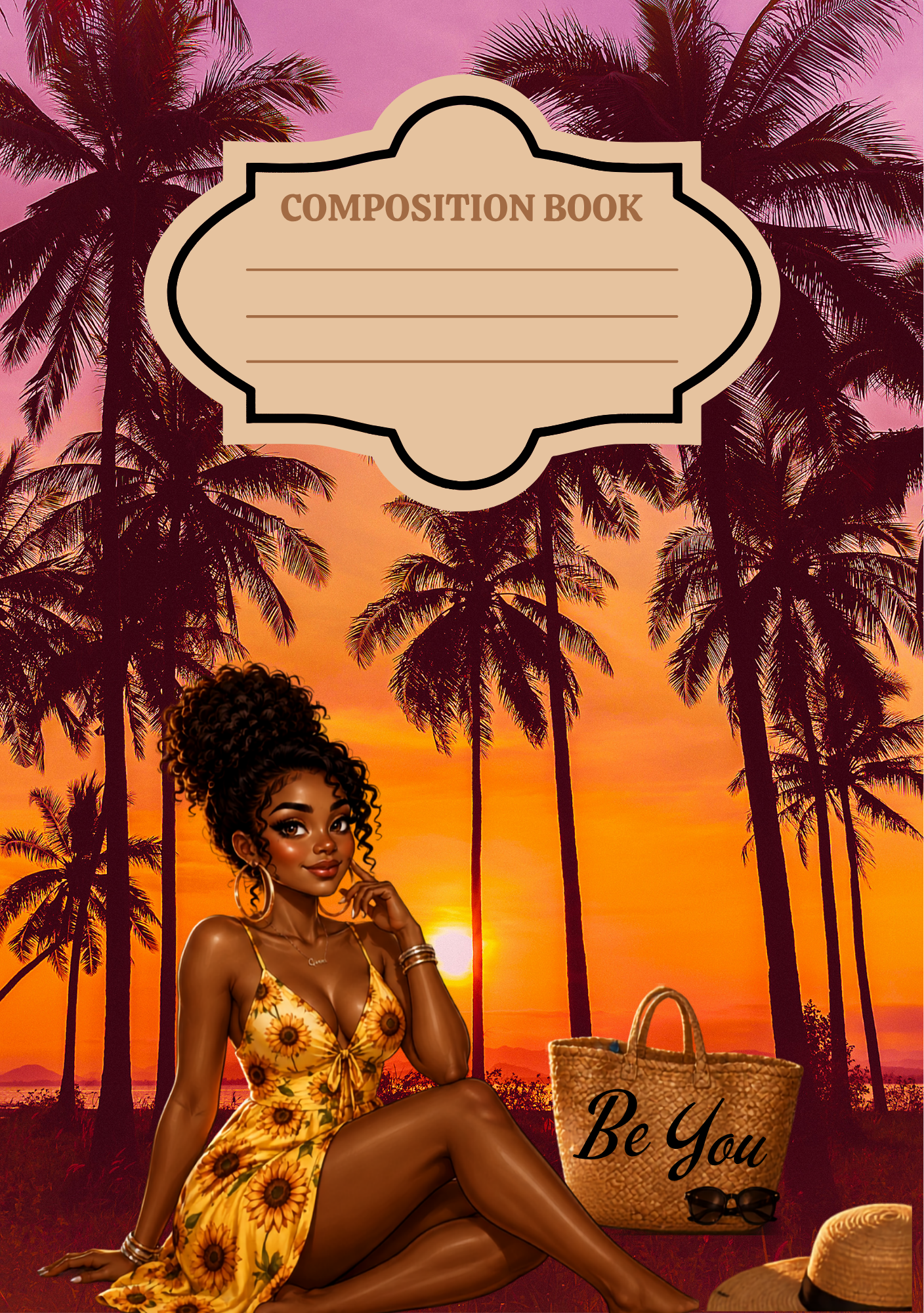
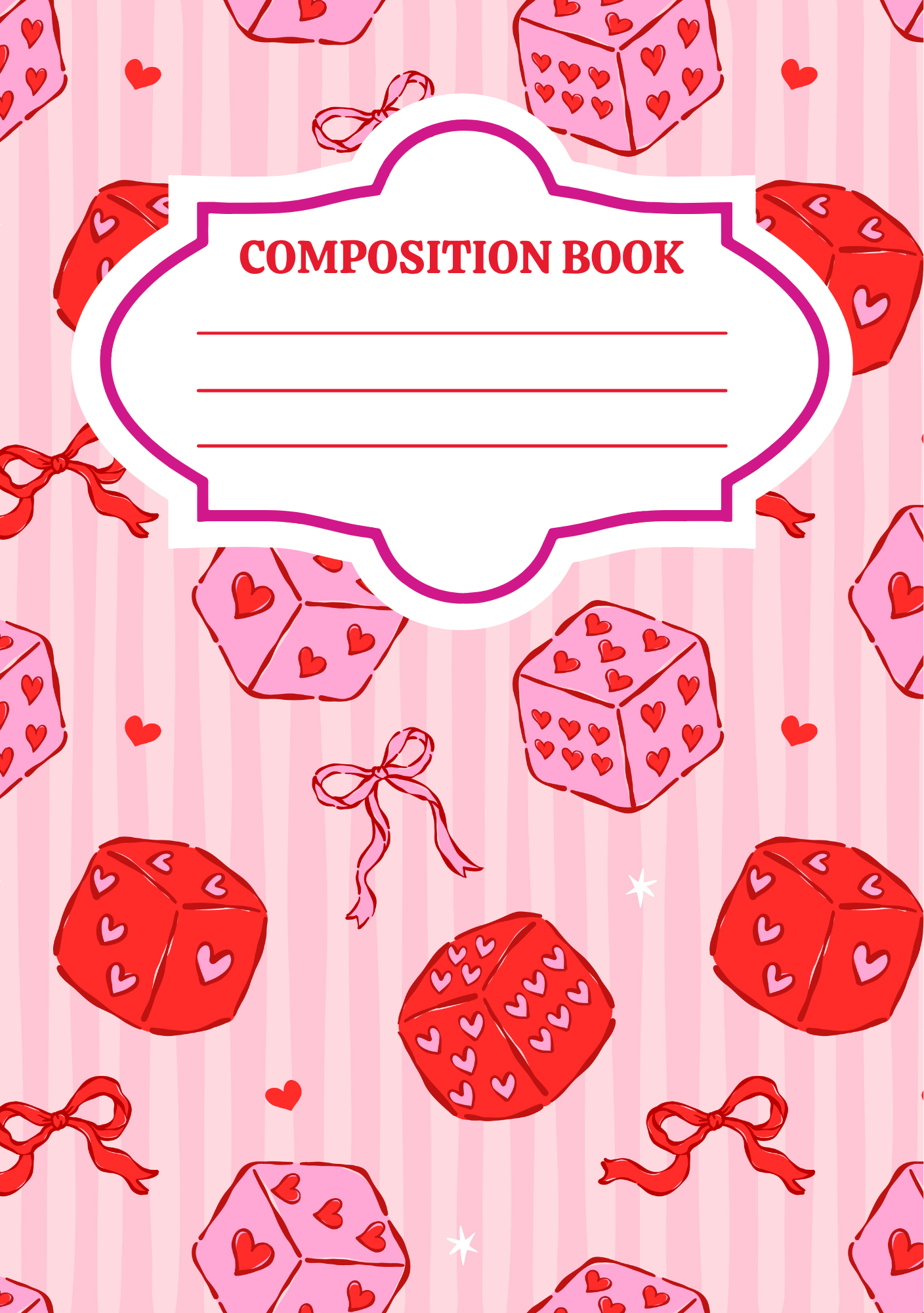
21 Editable Digital Notebook Cover Templates
21 Editable Digital Notebook Cover Templates
Couldn't load pickup availability
Upgrade your notebook game! 📓✨
Check out the latest digital templates from TumblerzNThings. From vibrant patterns to sleek, modern layouts, our front and back cover designs are perfect for DIY crafters and stationery lovers.
What You Will Need:
- Your Template: Downloaded from TumblerzNThings.
- Full-Sheet Sticker Paper: Glossy or matte vinyl sticker paper works best for durability.
- Printer: Set your printer settings to "High Quality" or "Photo Quality" for the best results.
- Scissors or Paper Trimmer: A paper trimmer will provide the straightest, cleanest edges.
- Squeegee or Old Credit Card: To smooth the sticker and prevent air bubbles.
- Composition Notebook: Standard size for Composition cover is 6.8x9.8.
- (Optional) Holographic or Clear Laminate Overlay: Use this for a protective, scratch-resistant, and sparkly finish.
Step-by-Step Instructions:
- Prepare Your File: Open your downloaded template. If using Canva, ensure all your customizations (name, labels, etc.) are finalized, then download as a High-Quality PDF or PNG (300 DPI).
- Print: Print your design onto your full-sheet sticker paper. Ensure your printer scale is set to "100%" or "Actual Size" so the dimensions remain correct.
- Trim: Carefully cut out your front and back cover designs using your paper trimmer or scissors.
- Protect (Recommended): If you are using a protective overlay, peel the backing and carefully apply it over your printed design now, smoothing it out from the center to the edges to avoid bubbles.
- Apply to Notebook:
- Carefully peel the backing off your sticker.
- Align the edge of the sticker with the notebook spine.
- Slowly press the sticker onto the cover while using your squeegee or credit card to press down firmly, moving outward to ensure a smooth, bubble-free application.
- Finishing Touches: Trim any excess sticker paper around the edges with your scissors if necessary.
Pro Tip: If you have small air bubbles, use a pin to gently poke a tiny hole and press the air out with your finger. **This May help!
A Note from Shay
I hope you love your new, personalized look! If you have any questions or run into trouble, please feel free to reach out to me via **lashay.owens@yahoo.com, OR use our CHAT Feature** Don't forget to tag @TumblerzNThings in your photos—I’d love to see your creations!
Get yours today and make your notebook as unique as you are. #TumblerzNThings #NotebookGoals #DigitalTemplates #StationeryAddict